
Search Console Adds Performance Reports for AI Overviews and AI Mode
Key facts
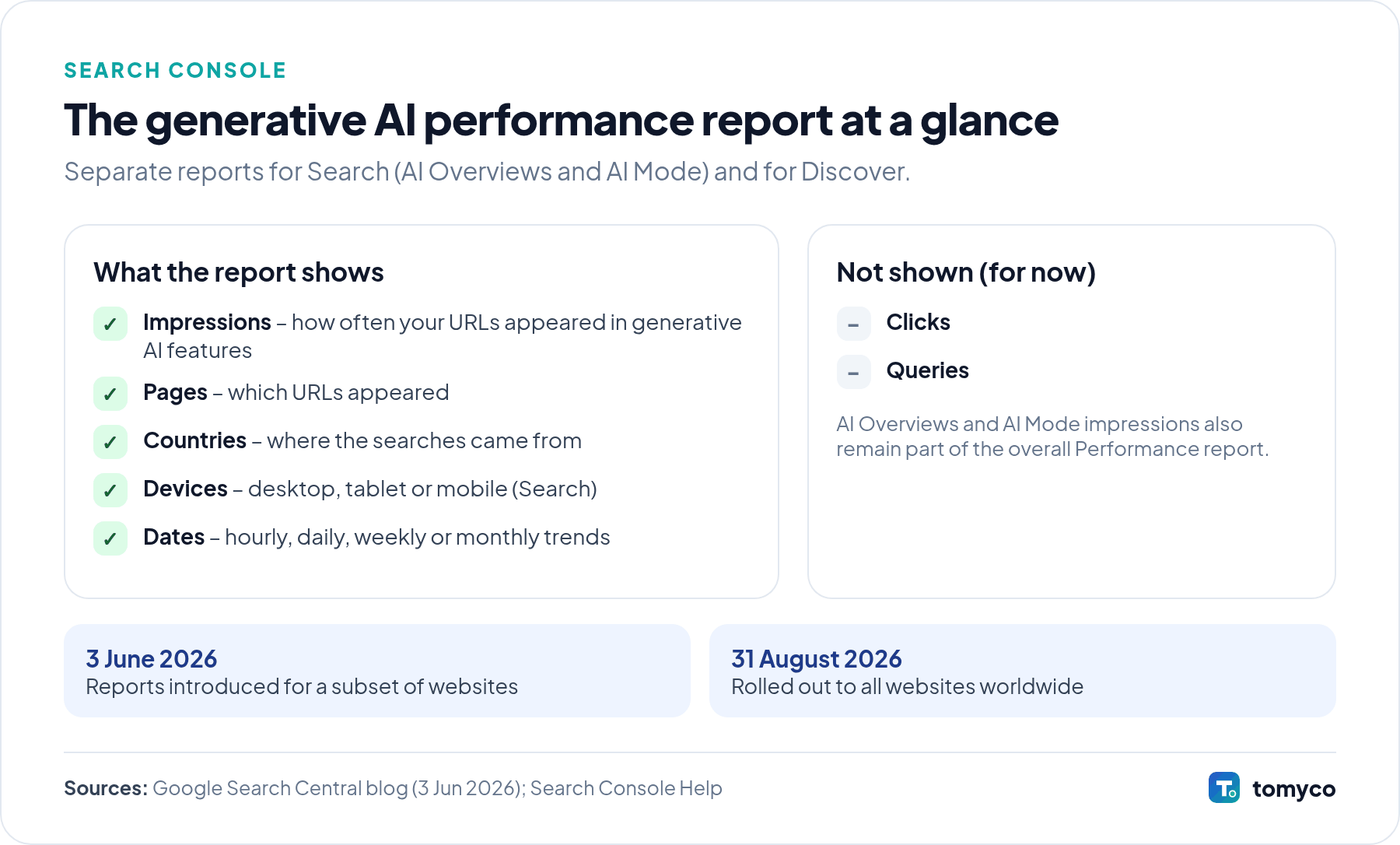
- Introduced: 3 June 2026, initially for a subset of sites
- Available for all sites: since 31 August 2026
- Two reports: Search (AI Overviews and AI Mode) and Discover
- Data: impressions by page, country, device and date
Google added separate performance reports for its generative AI features to Search Console. At first only some sites had access; since 31 August 2026 the reports are available for all sites.
What changed
There are two new reports: one for Search (AI Overviews and AI Mode) and one for Discover. They show impressions, pages, countries and devices (for Search) and trends over time, with hourly, daily, weekly and monthly views. For now, the reports show impressions only – not clicks or queries.
According to the Search Console Help page, the Search report covers web results for both text-based and multimodal searches, such as Google Lens and Circle to Search. Dates are shown in Pacific Time, tables are limited to 1,000 rows and the data can be exported. The same data is also included in the overall Performance report. Search Labs experiments are not included.
Why the report may be empty
Google lists two main reasons: the site does not have enough impressions in generative AI features yet, or the site has been excluded from Search generative AI features (a setting in Search Console). If you have used nosnippet or similar controls, check that they are not blocking pages you want to appear in AI answers.
Why it matters for businesses
For the first time, official Google data shows which of your pages appear in AI answers. This is a solid basis for reporting and for deciding which content to create or improve – instead of relying on third-party estimates.
What it means in Central and Eastern Europe
AI Mode has been available in Slovenia and Croatia and in Slovenian, Croatian, German and Italian since October 2025. With the country filter you can now see in which of your markets your pages appear in AI features – which is especially useful for multilingual sites that target several CEE countries with separate language versions.
Checklist: how to use the report
- Open the report in each Search Console property and note which pages get AI impressions.
- Filter by country to compare your markets, for example Slovenia, Croatia and Austria.
- Compare AI impressions with classic impressions and clicks for the same pages in the Performance report.
- Check that important pages are indexed and eligible for snippets.
- Export the data monthly, because the tables are limited to 1,000 rows.
- Remember that dates are in Pacific Time when you compare with analytics data.
Official sources
Not sure how a Google update affects your website? Ask us for a review →